On any of our photography adventures, our primary goal is to capture you in that moment. But after that, it’s time for some fun adding effects to your photo to make them looked aged or even artistic. We will also Photoshop out any details you want removed from the photo, which include you and the background. Below I will give examples that are included with every package we offer. We will work with you to get the photos and treatments you want!
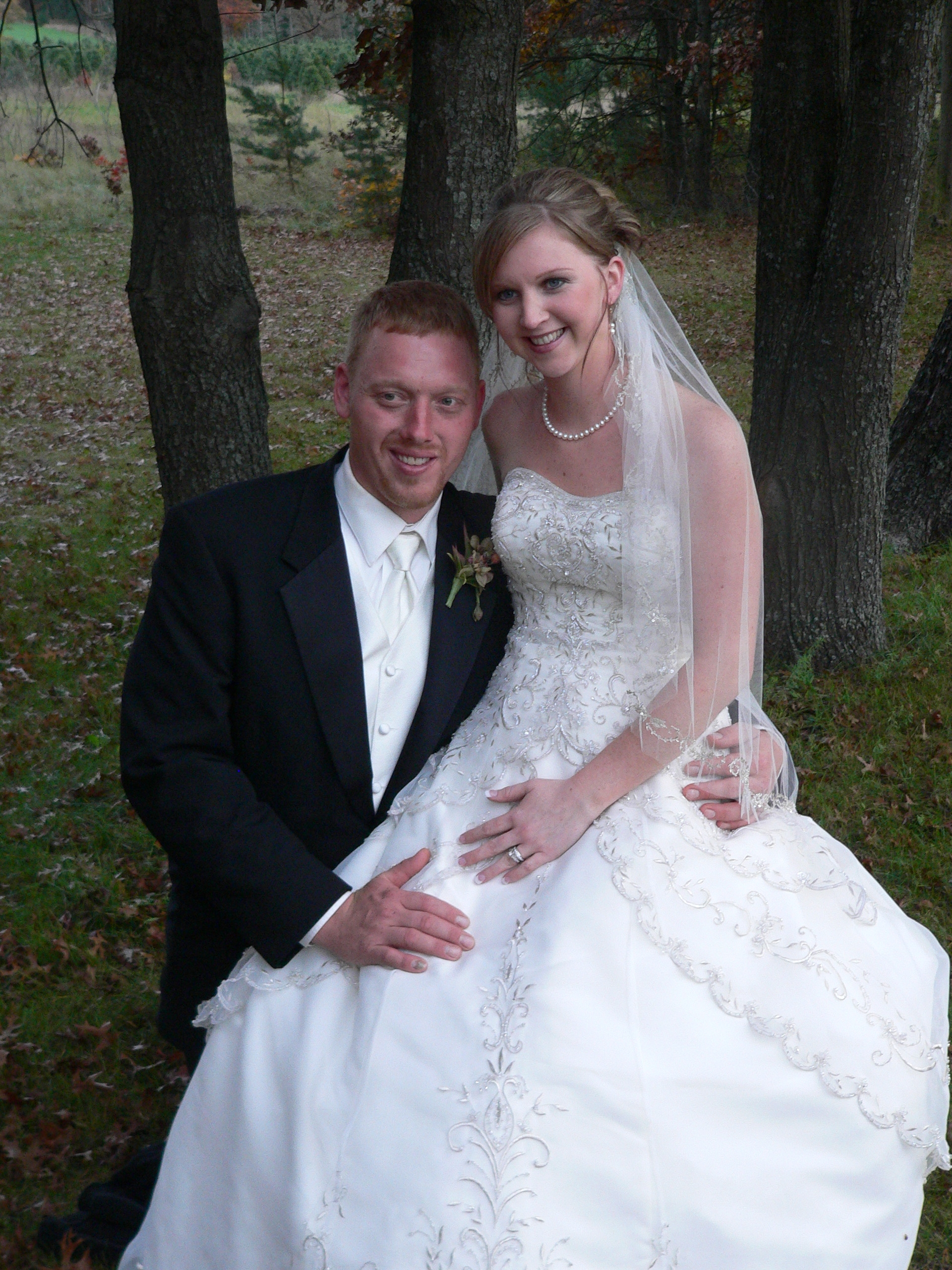
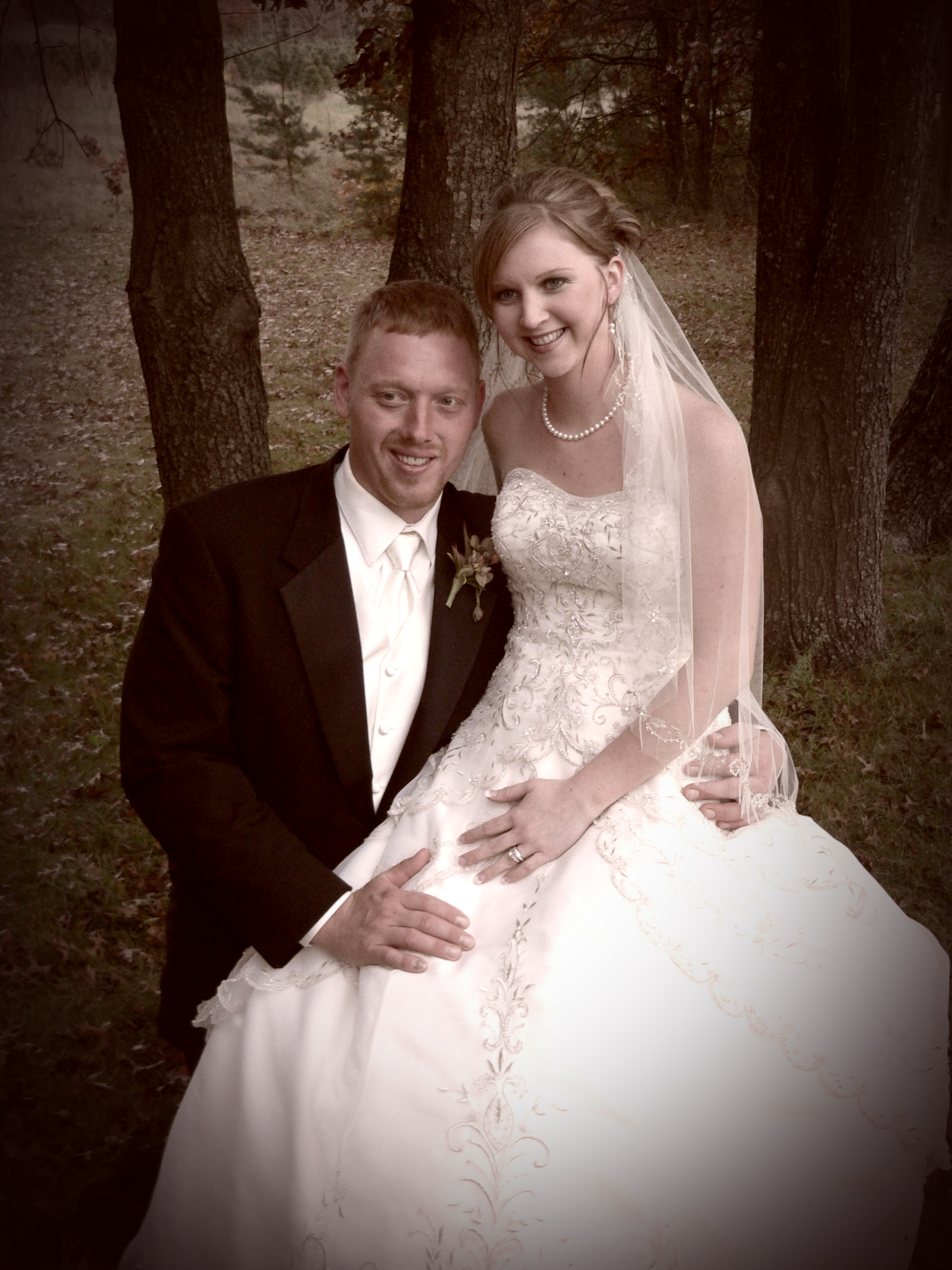
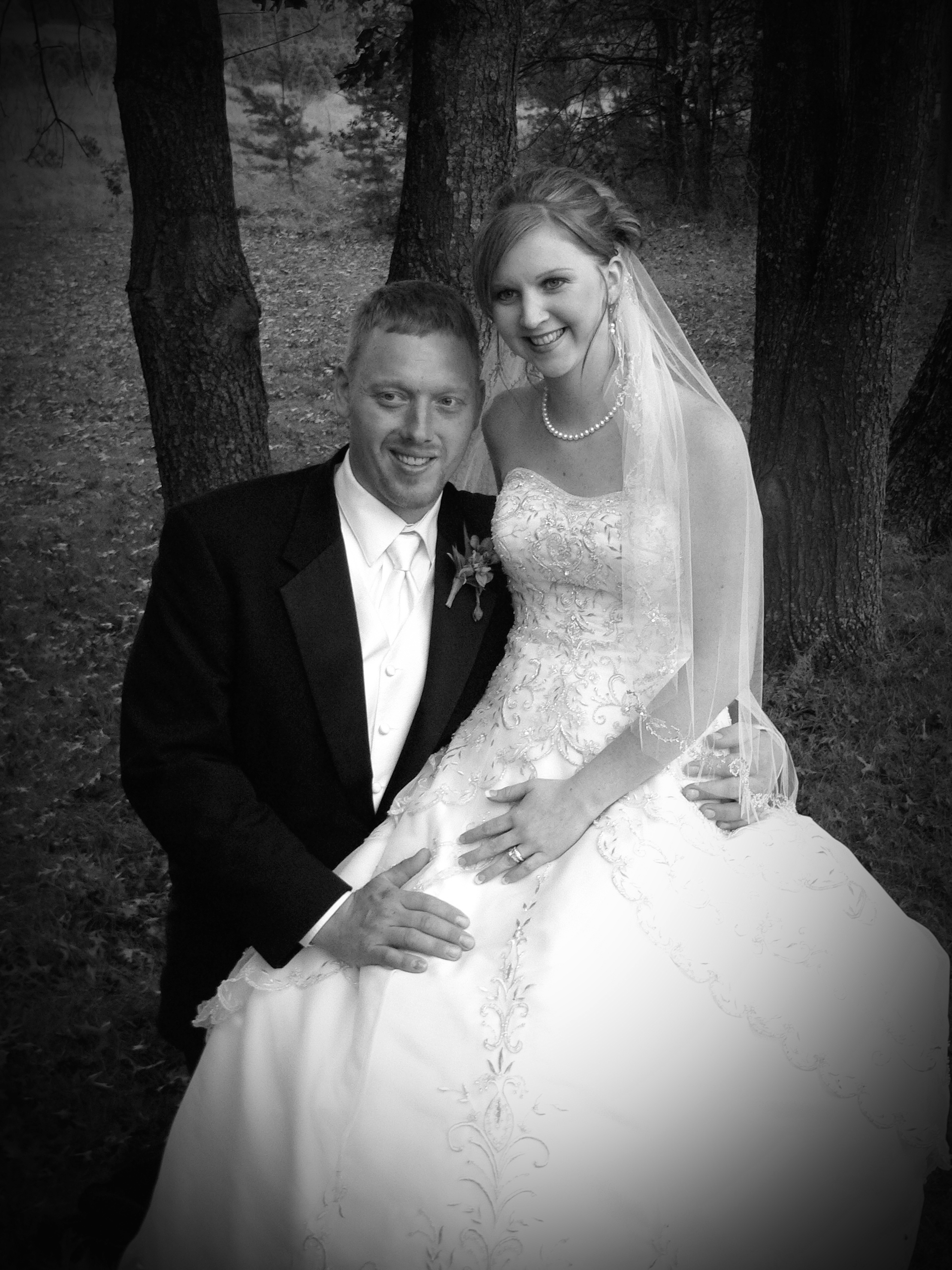
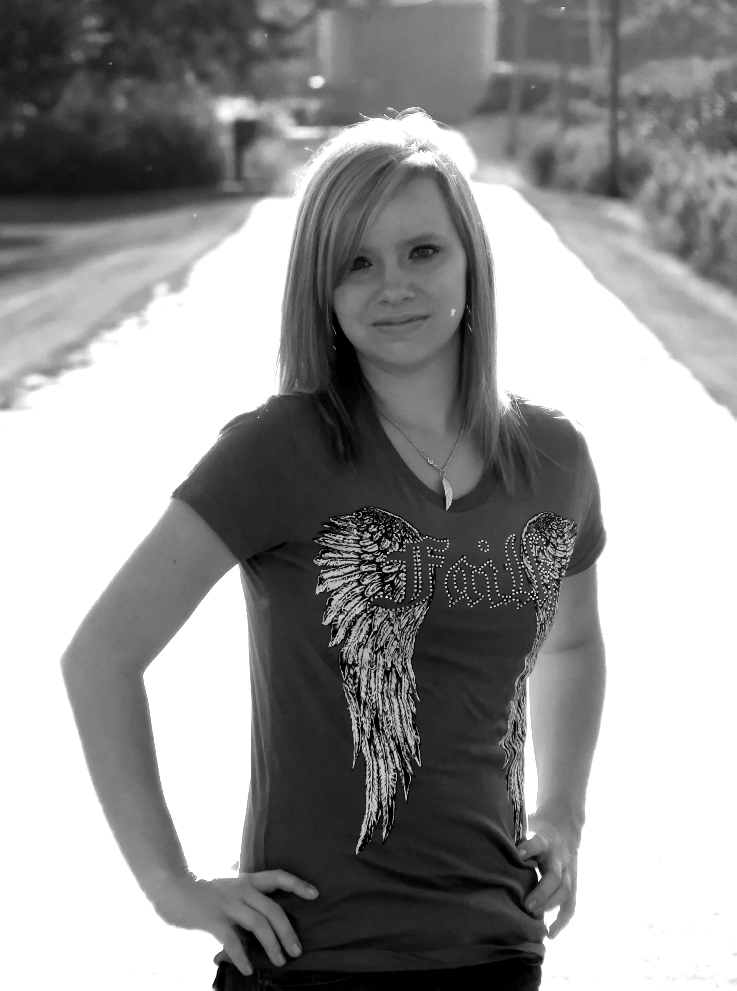
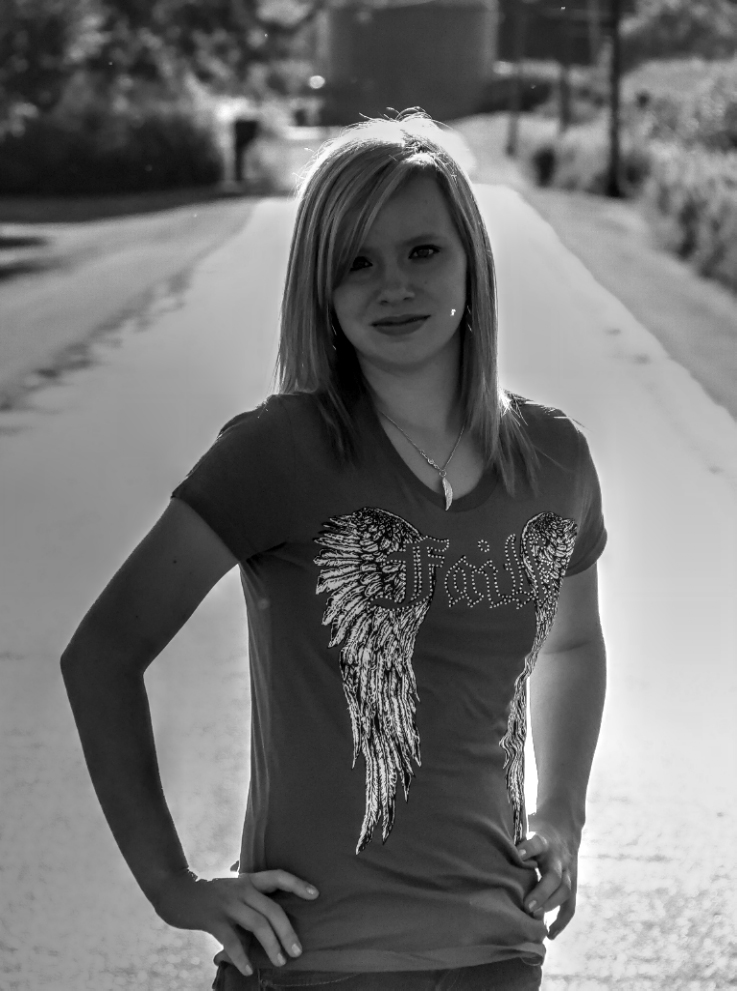
[one-half-first]Giving photos an aged or antique look can be achieved by 2 primary techniques, sepia tones and converting the image to black and white. The first image is the original, the second is an example of setting some sepia tones and adding some darkness around the edge, the final image is a black and gray scale version of the original image with the levels adjusted to balance out the lighting in the image.
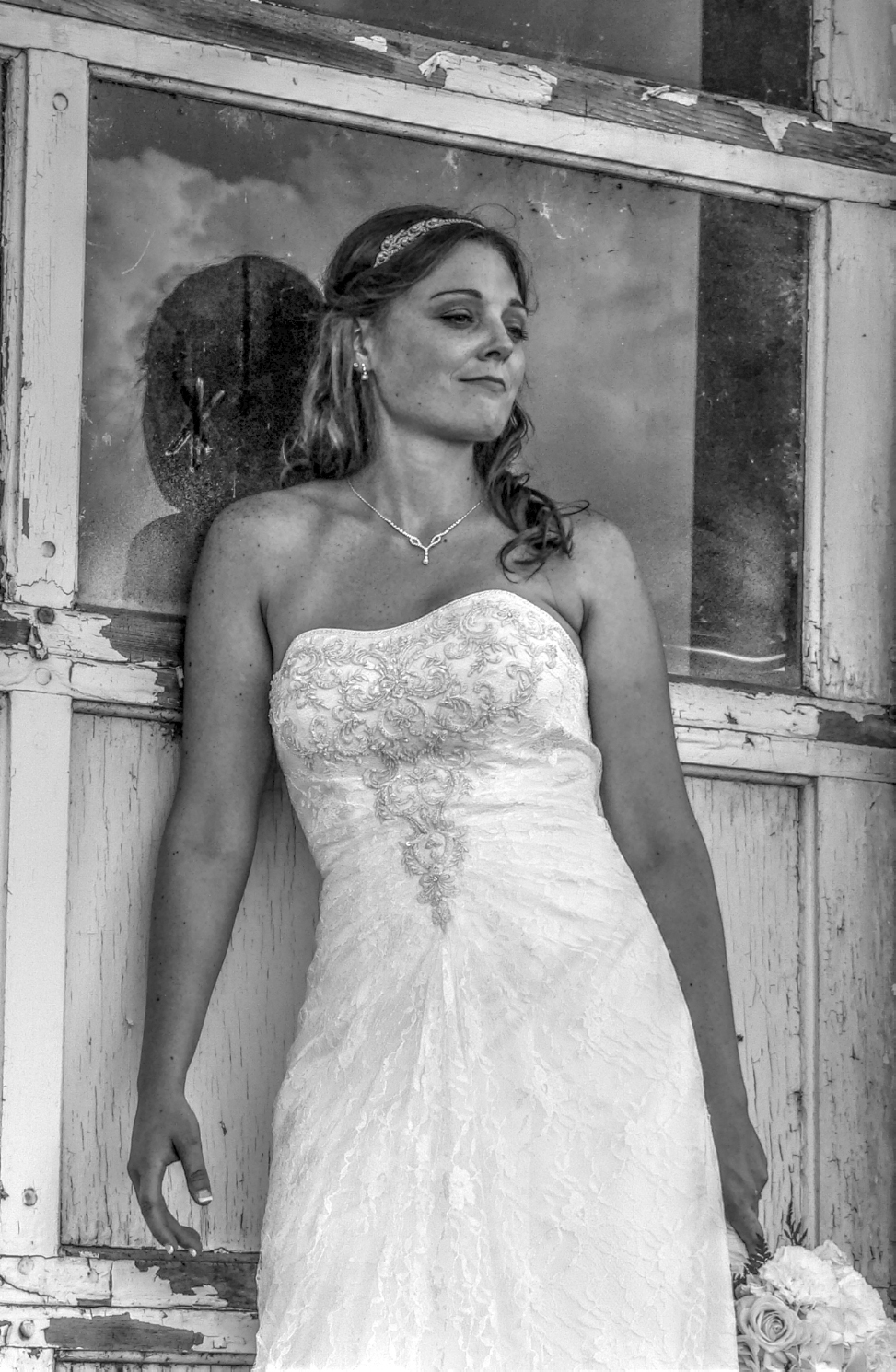
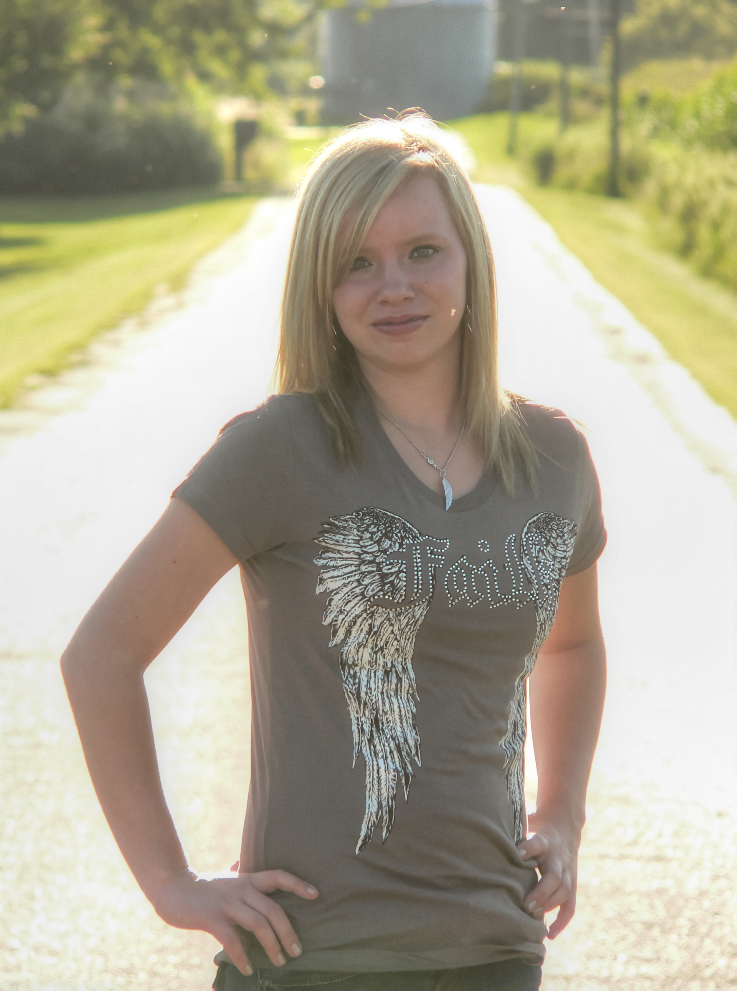
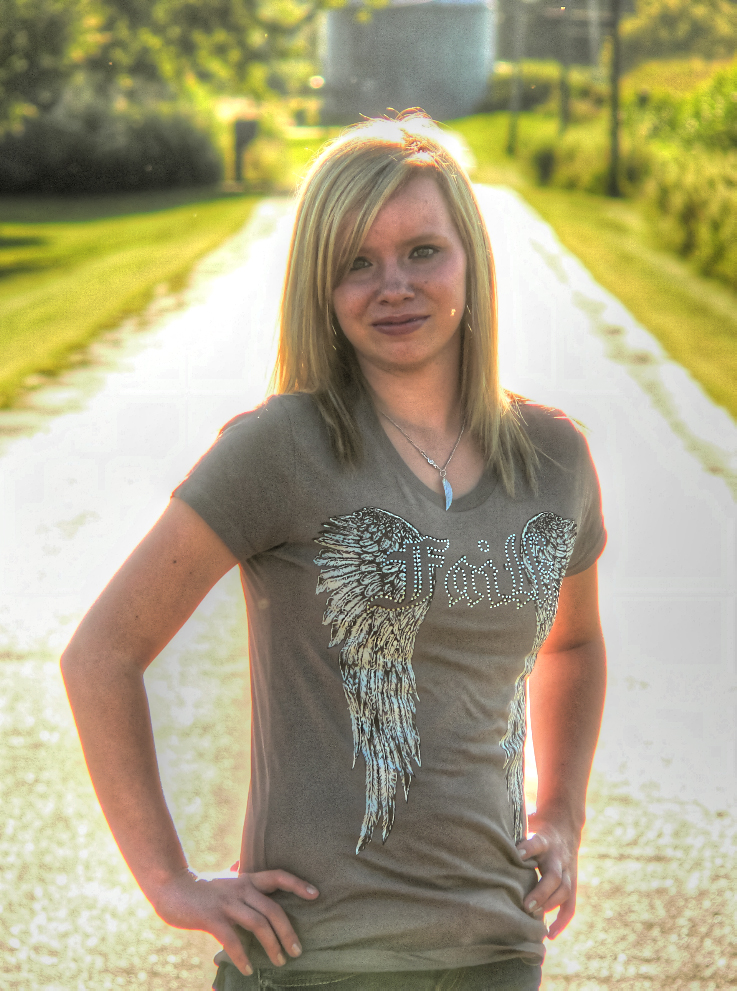
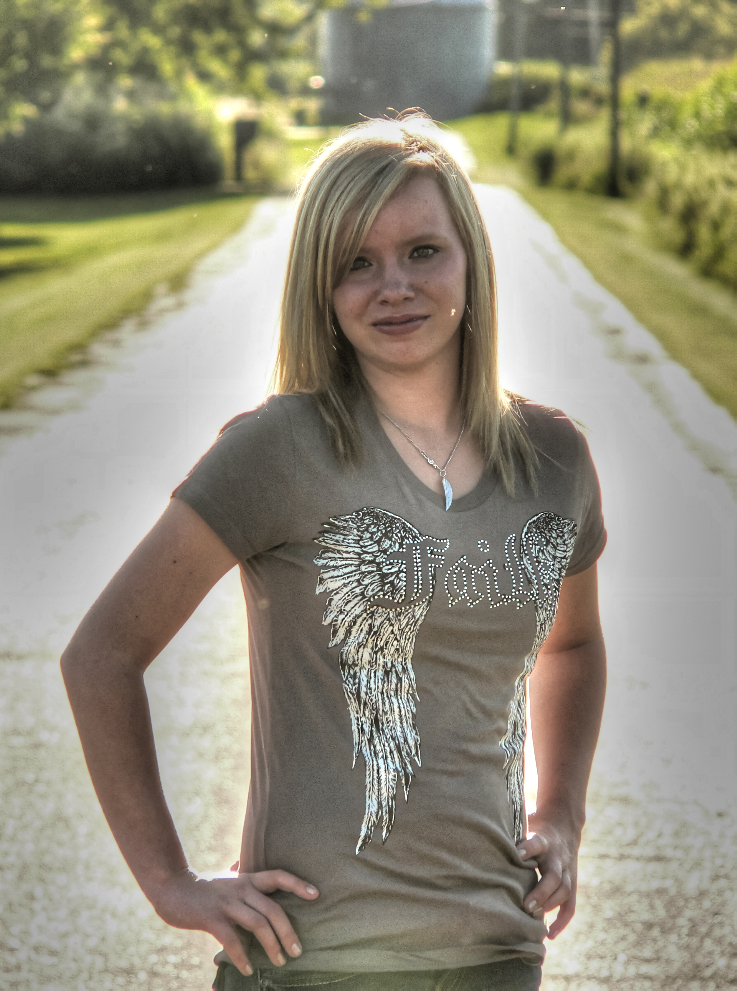
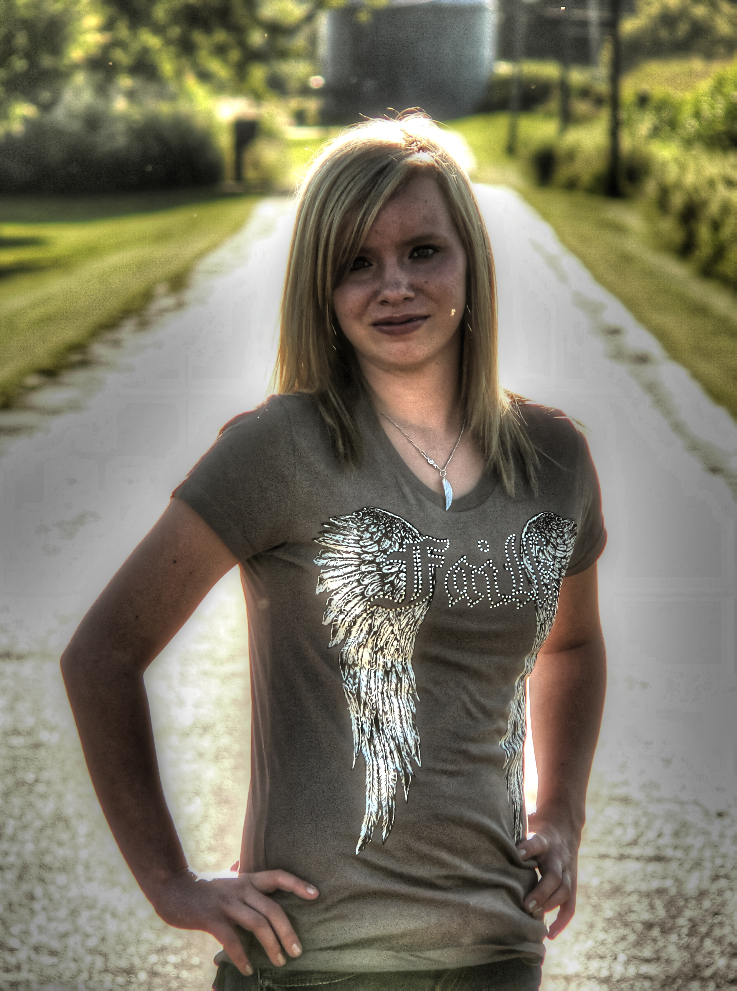
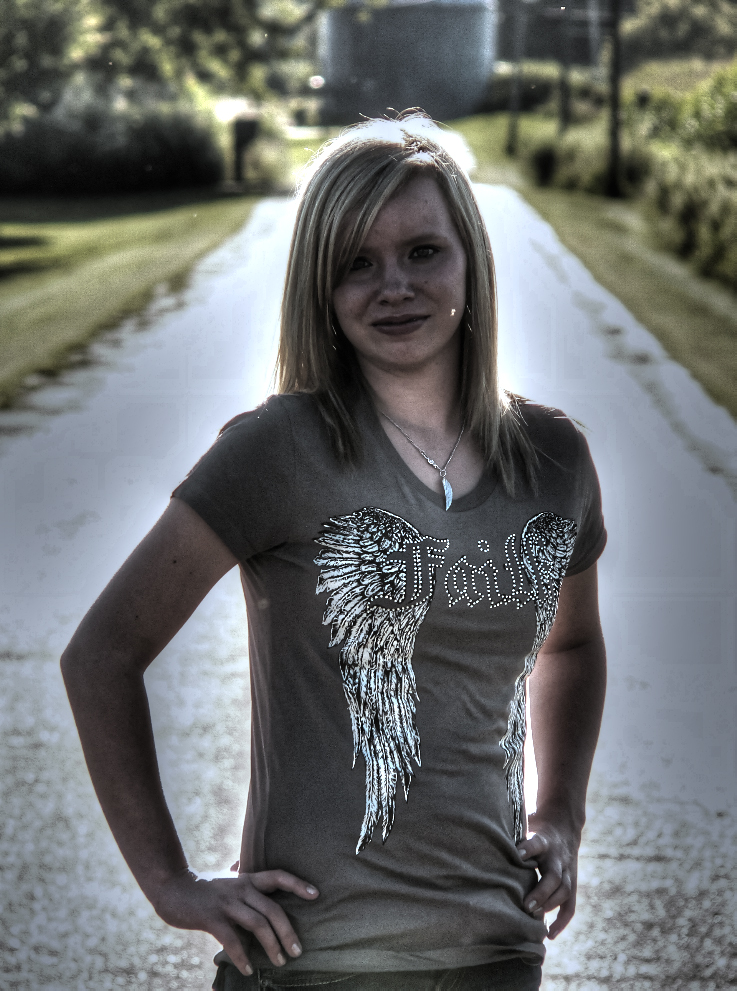
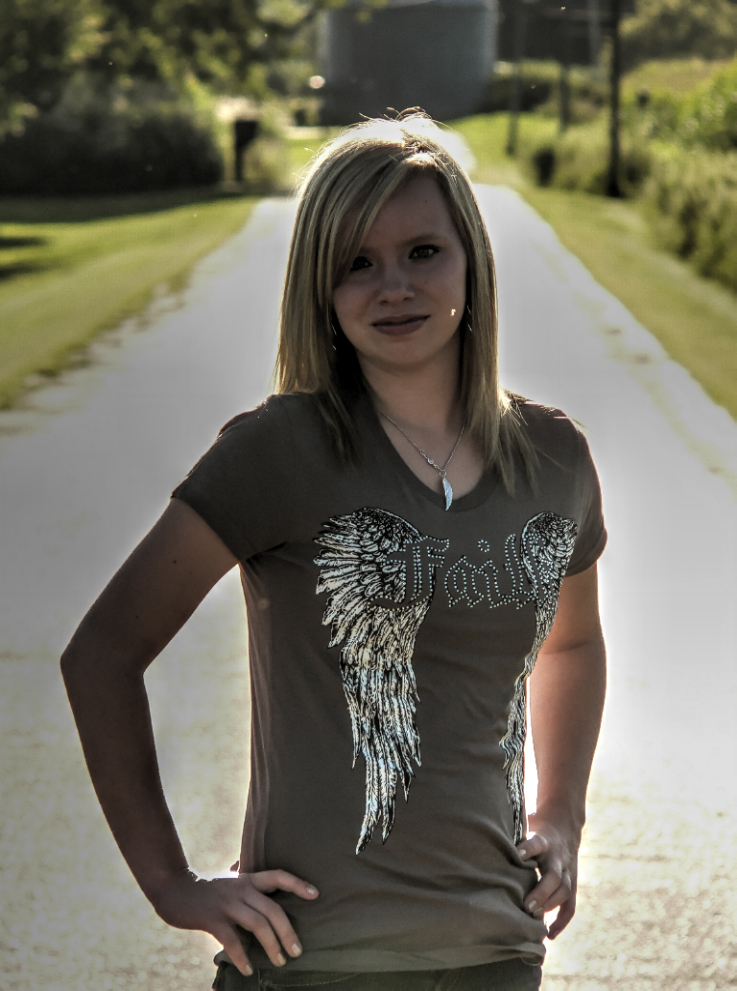
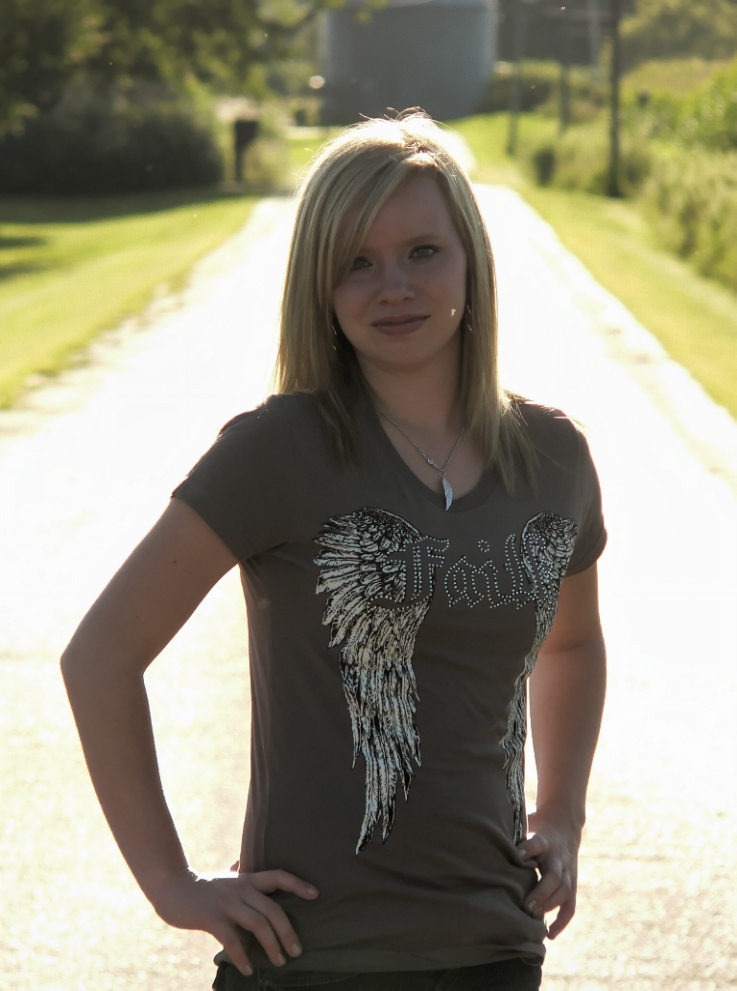
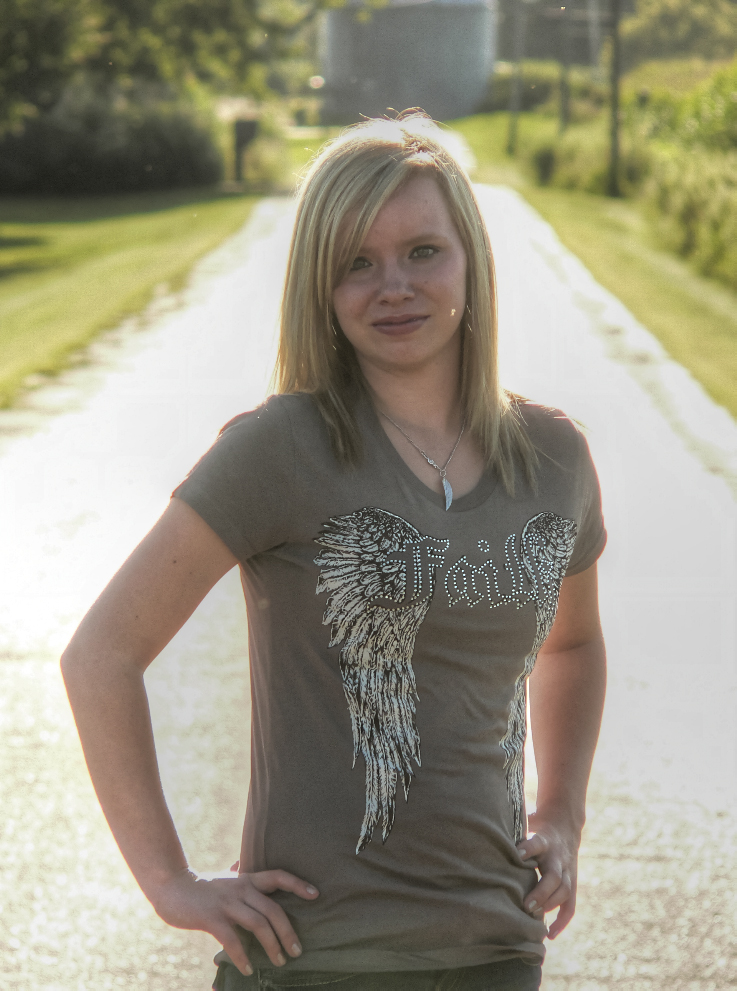
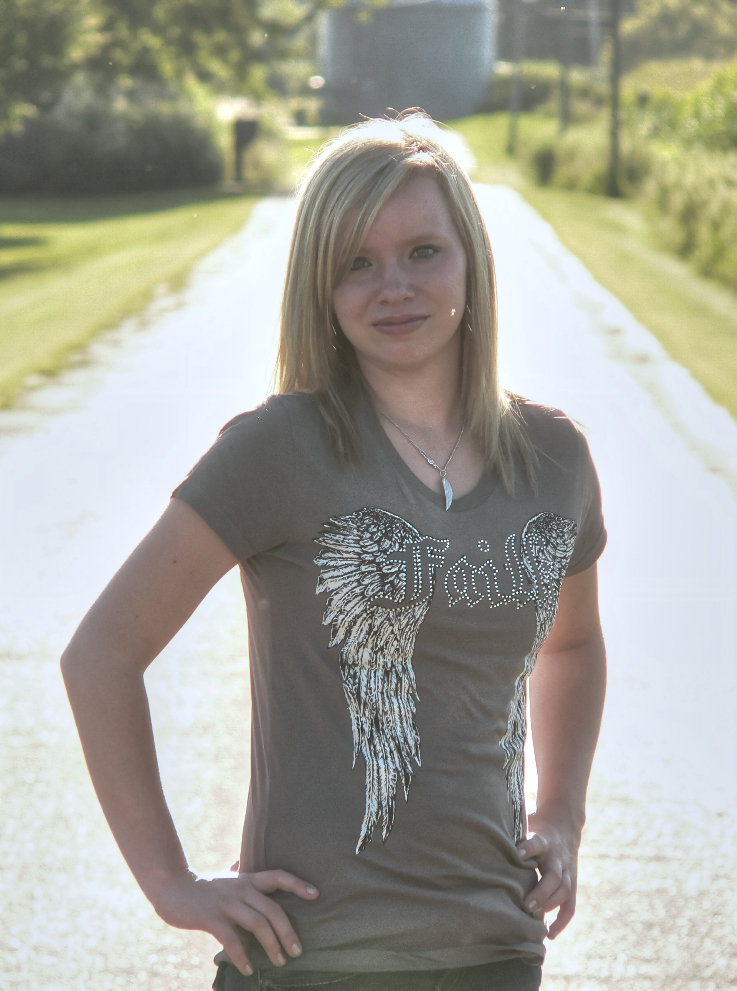
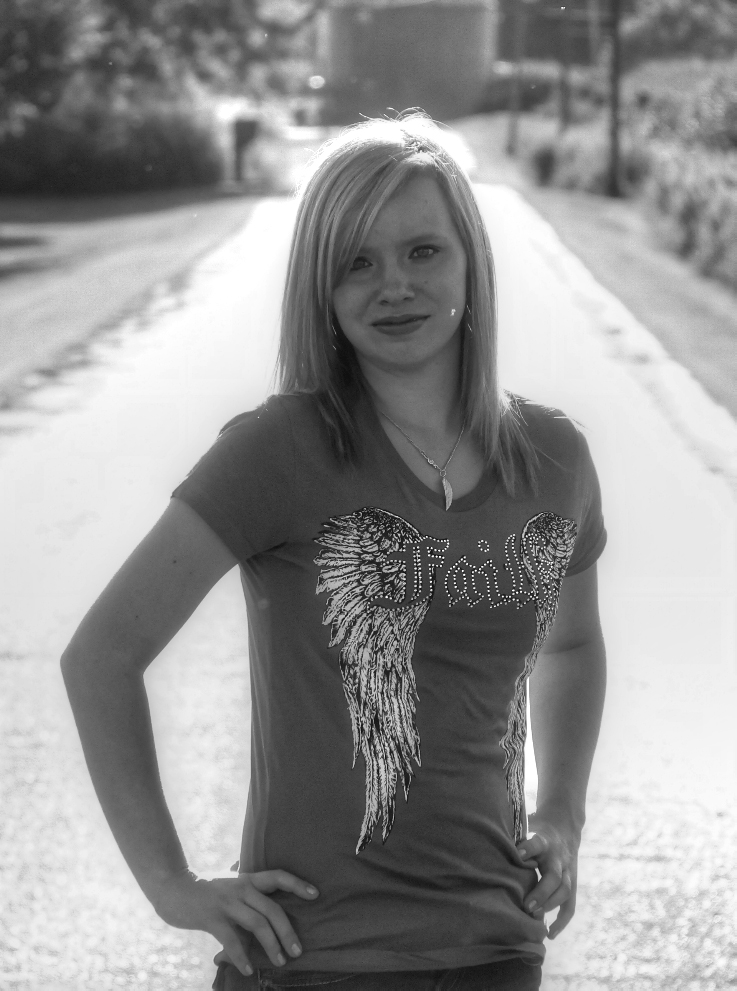
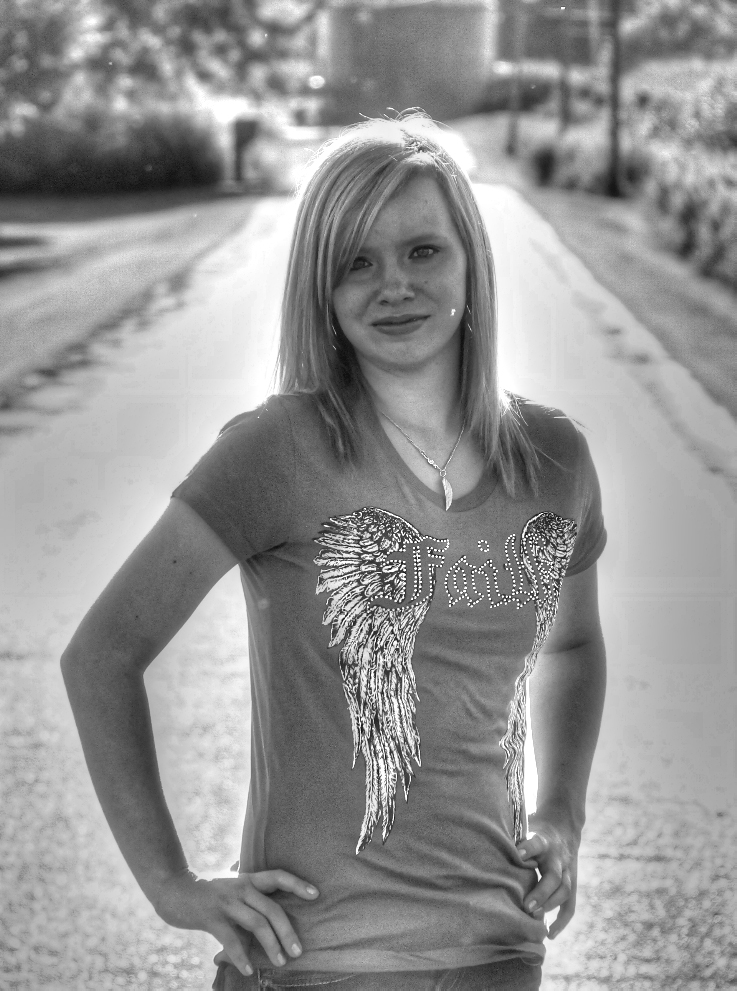
 HDR stands for High Dynamic Range imaging. This is a technique used to get a wide range of effects applied to an image. It can look anywhere from an aged photo to an artistic master peace. But it is easy to over use this effect on image, so make sure you know what kind of HDR effect you are going for before you request it applied to your photos.
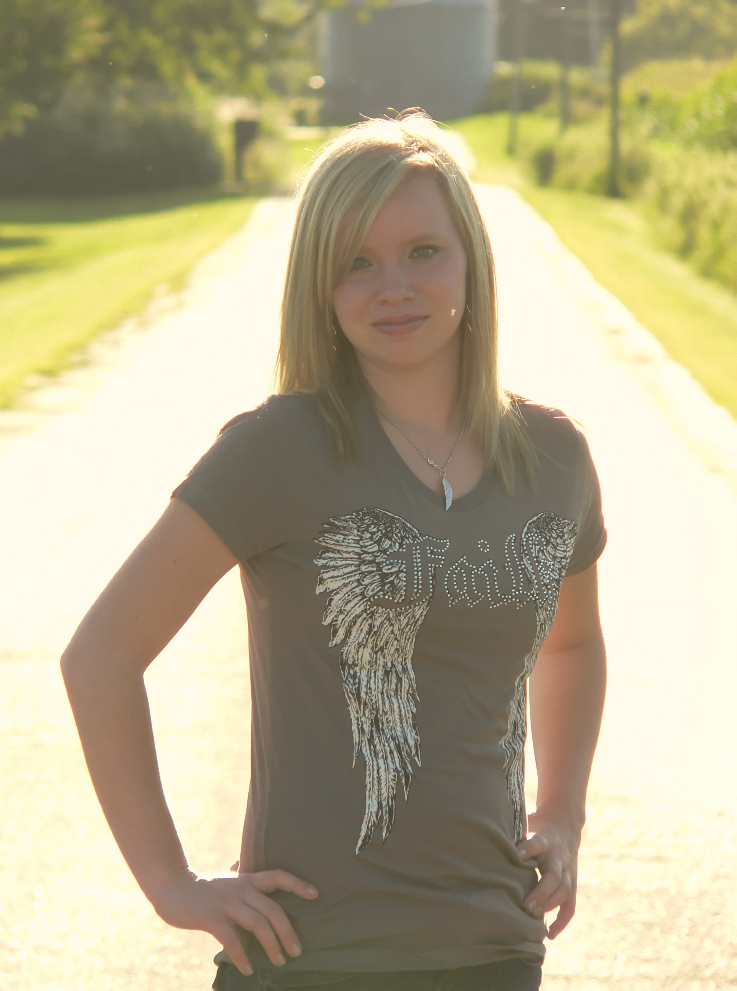
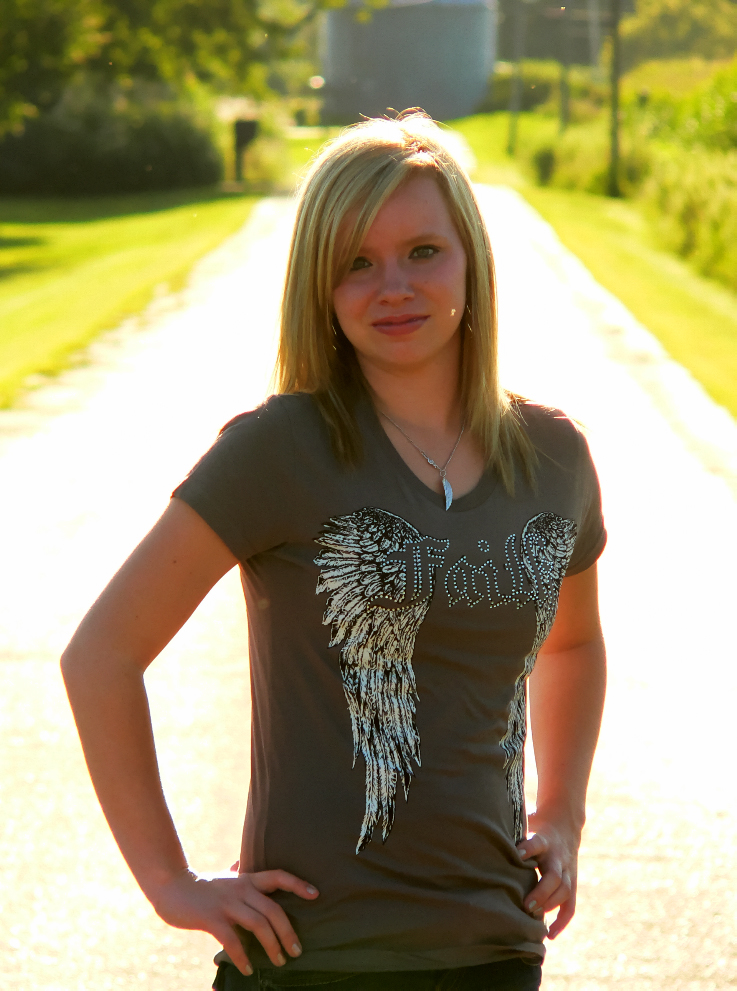
Below is a wide rage of examples. The photo on the Left is the original photo, click on the images below to see many of the different ways to apply an HDR effect to the image.
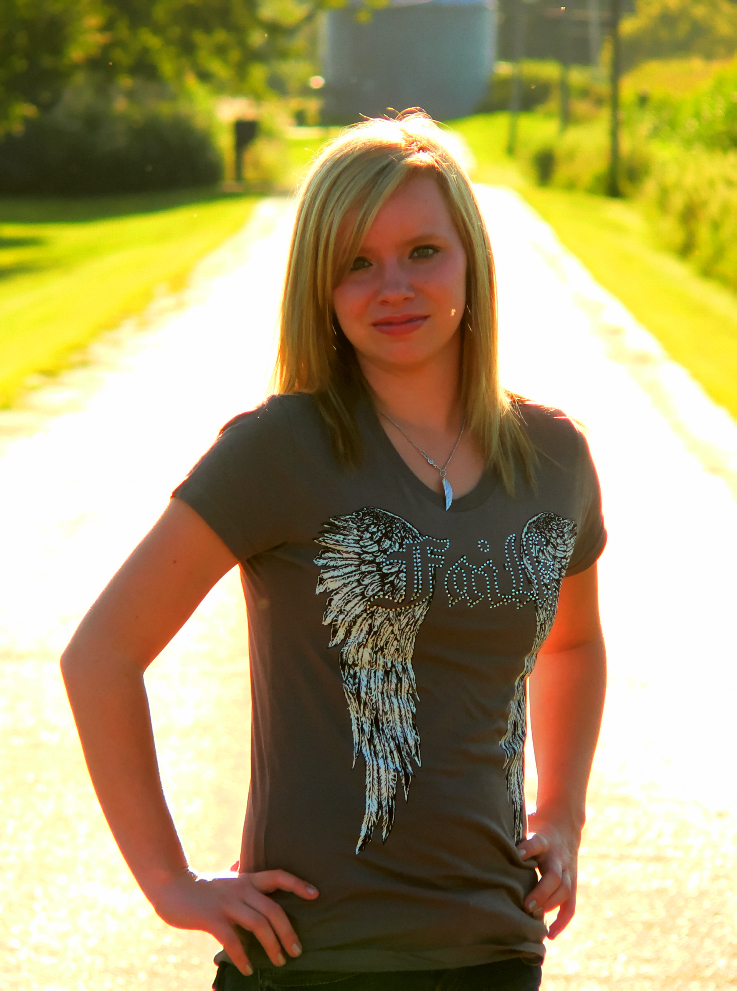
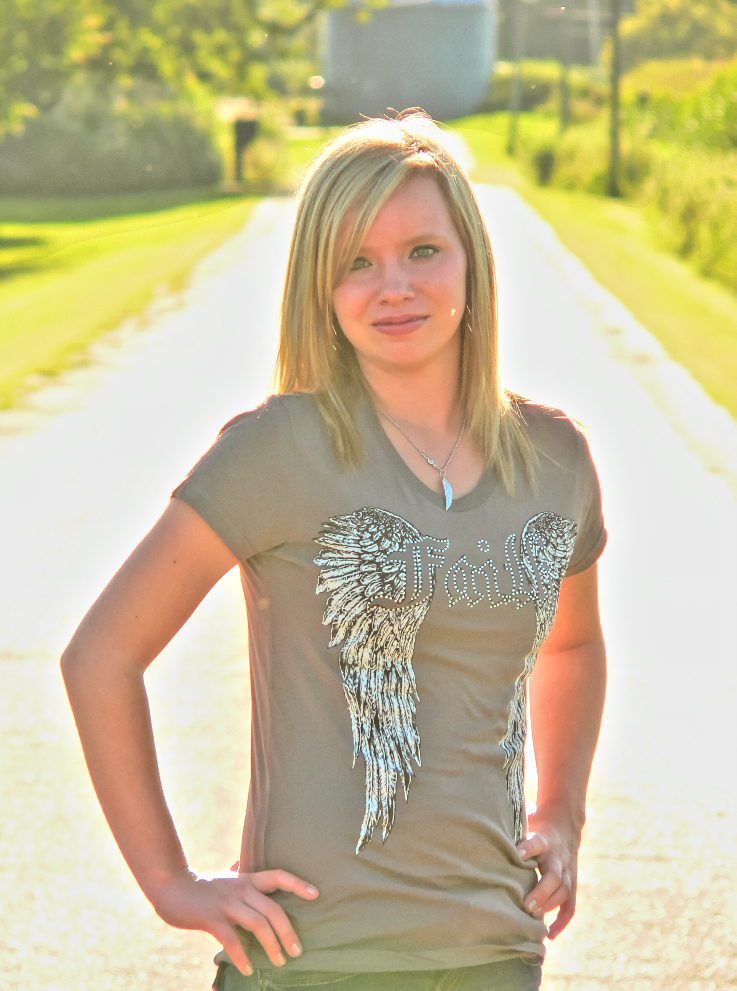
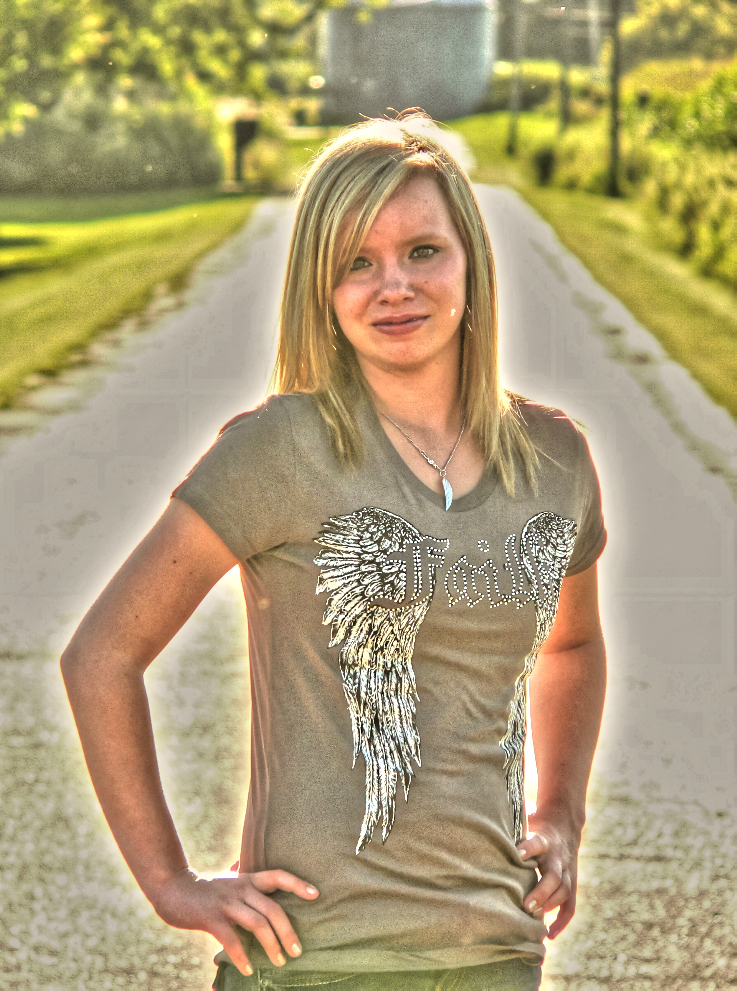
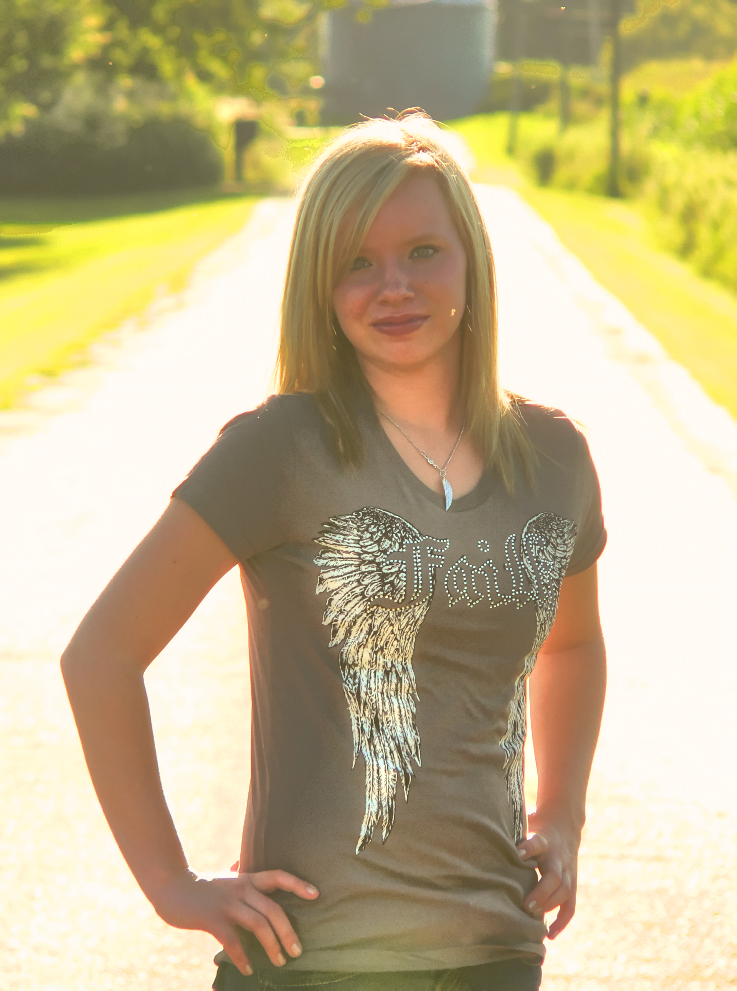
In the first photo, a light switch and exit sign were removed from the back wall. In the 2nd image, a boat was removed from the water.
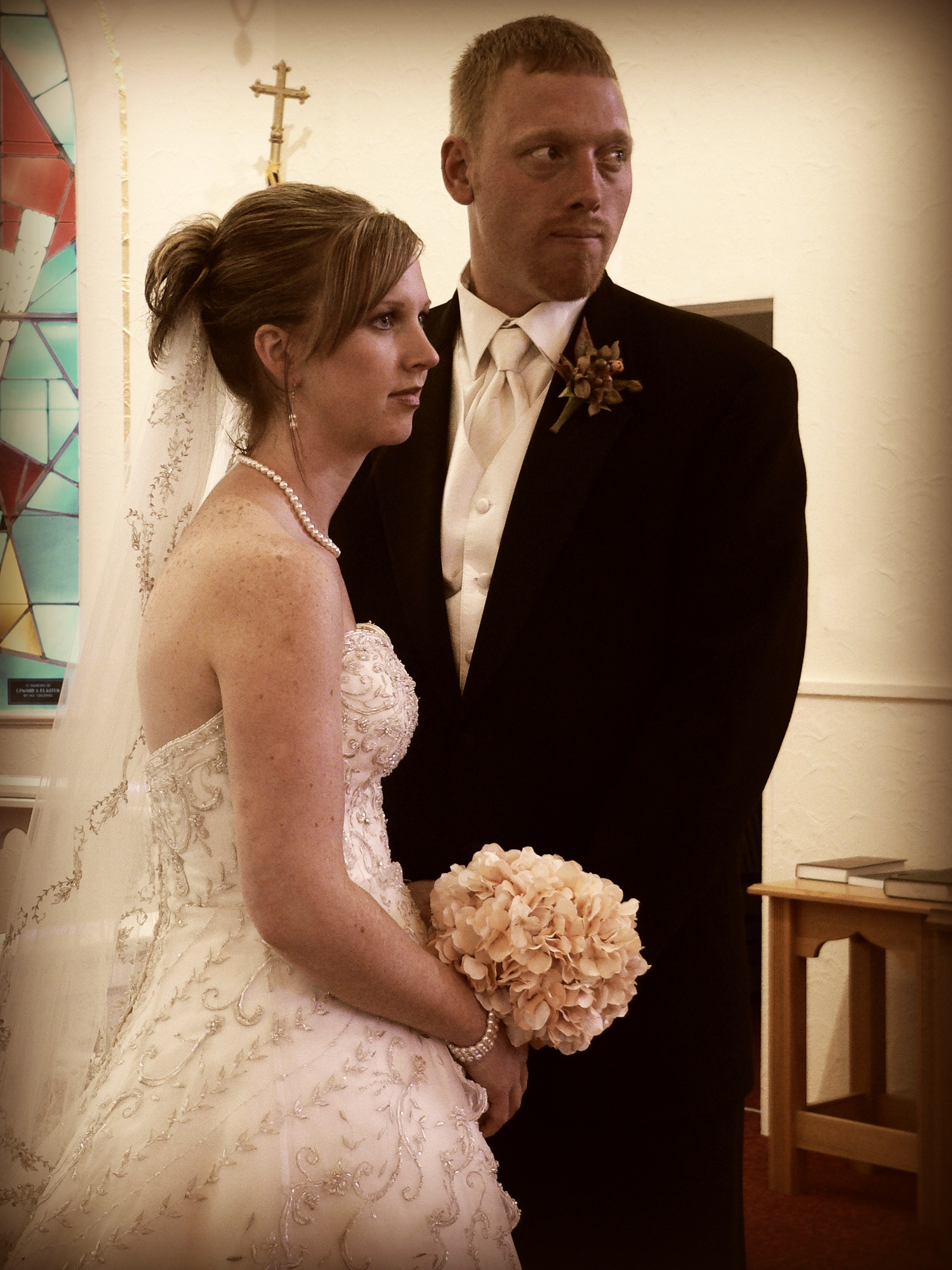
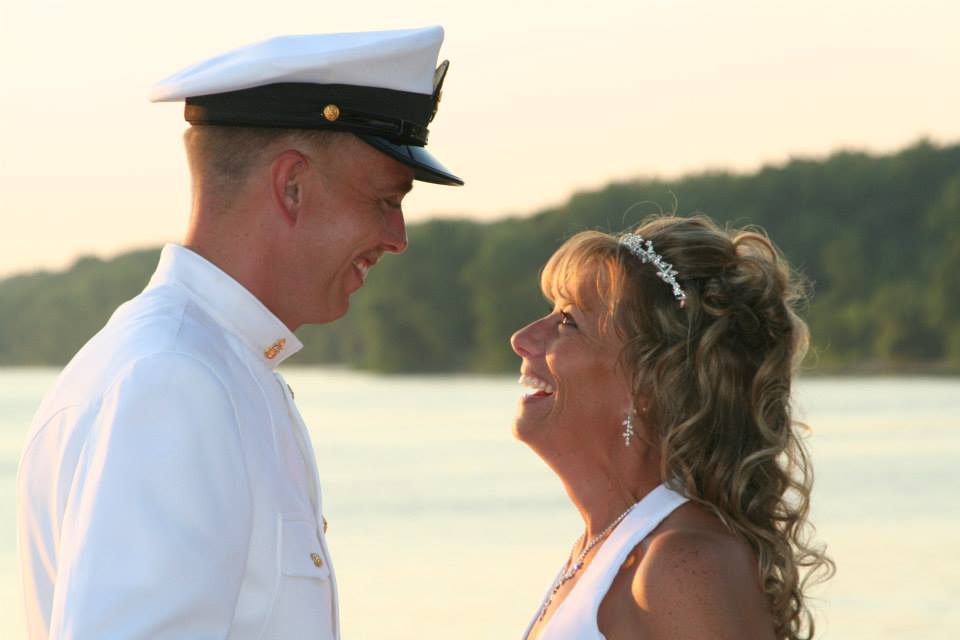
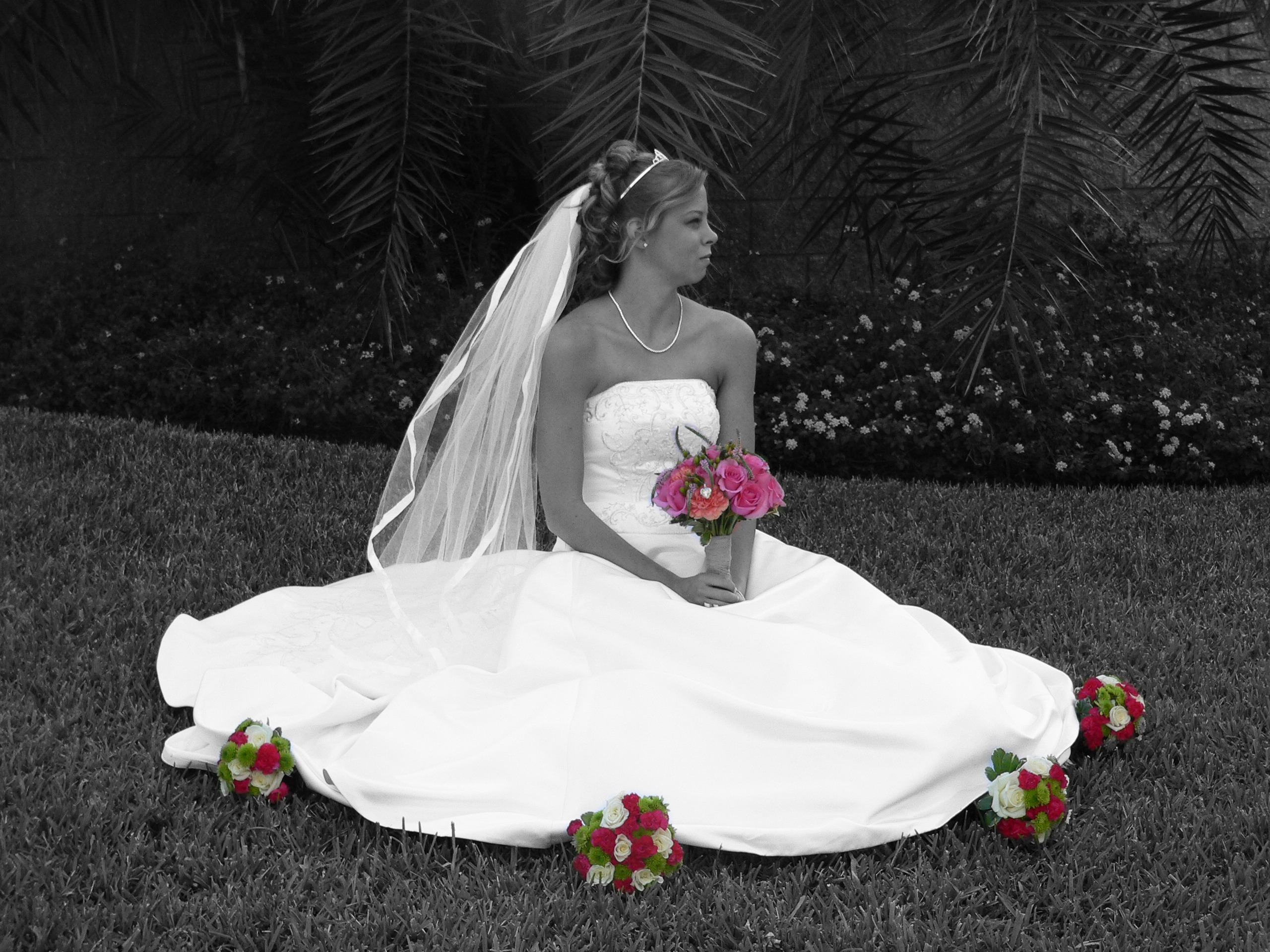
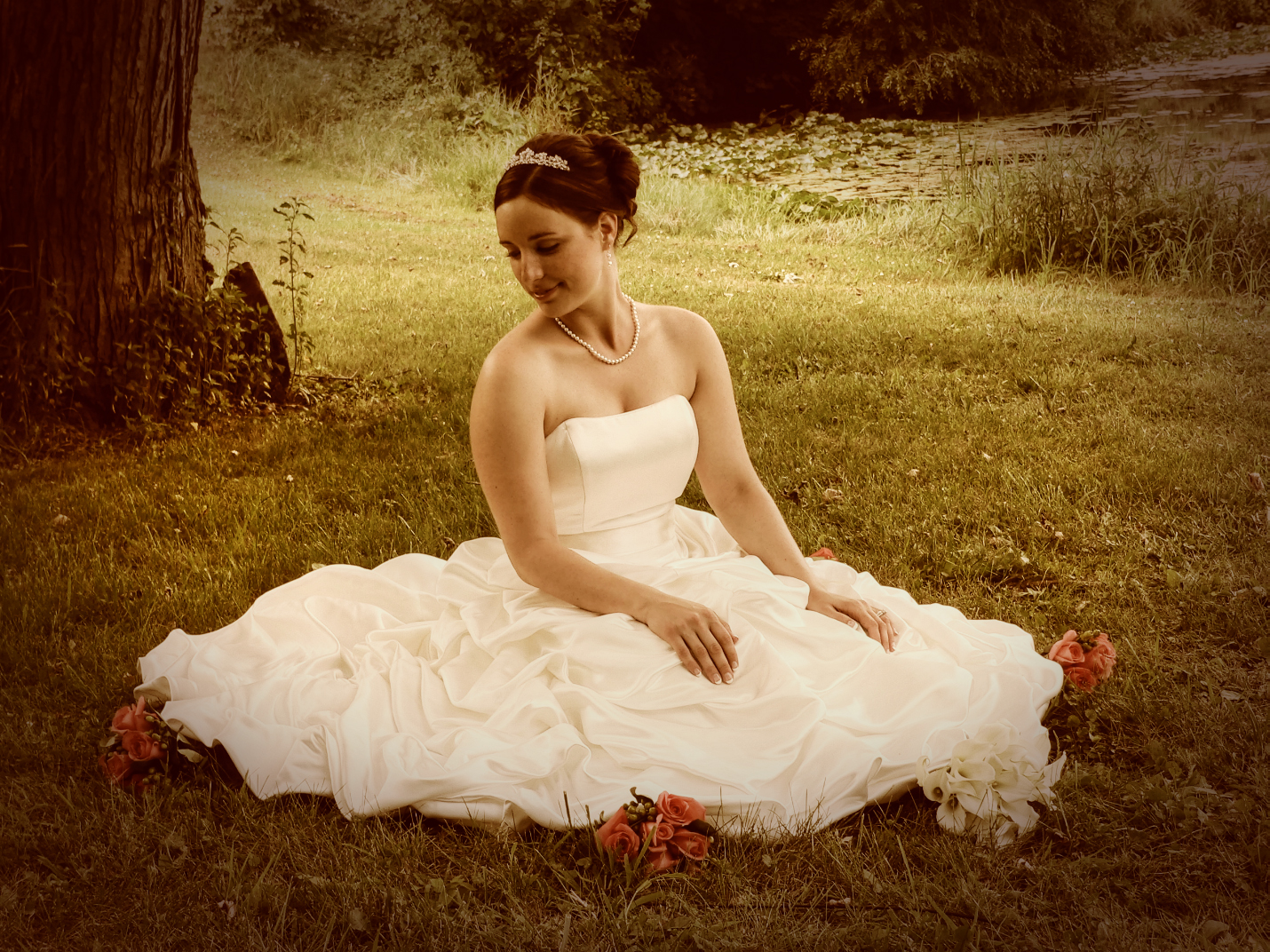
We can also create custom effects for you. Just let us know your ideas. Some examples we have done is the past is we created a black and white image, but we kept the color of the flowers in the image. Or even layering several effects to get the look you want.
